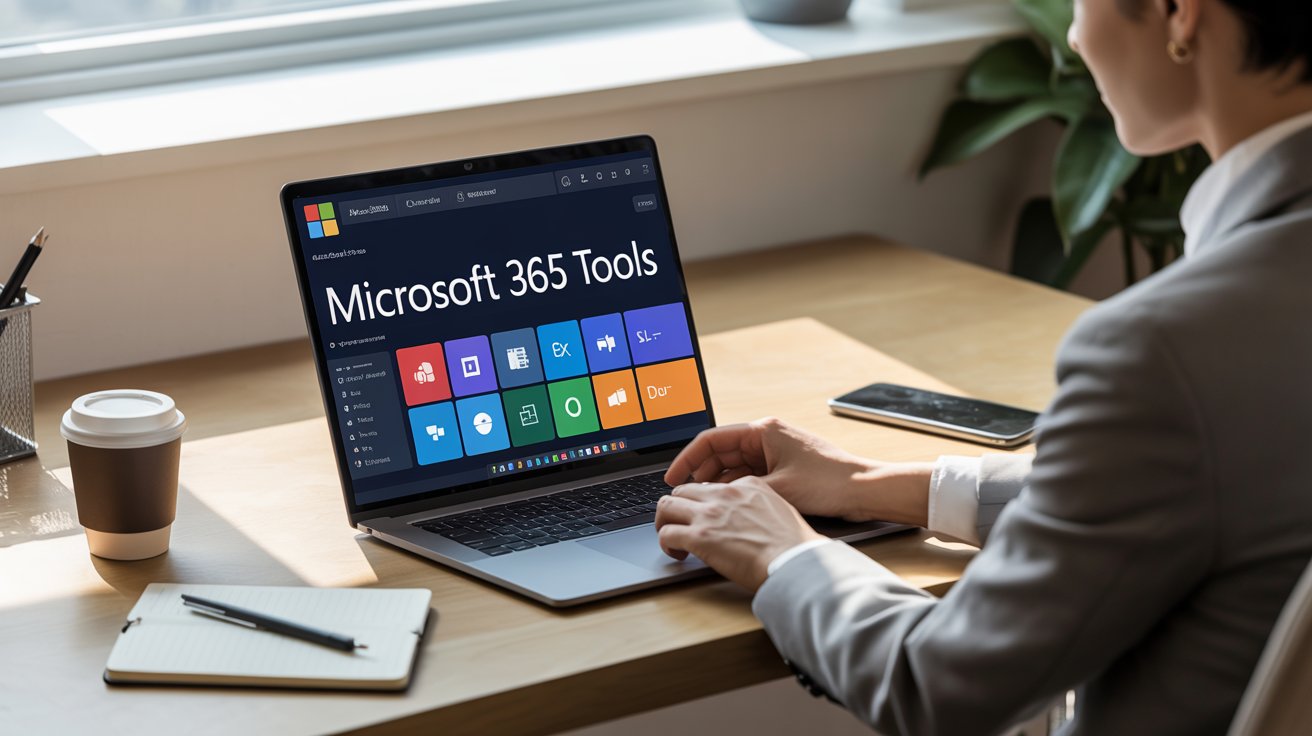
The workplace has experienced many shifts and changes recently. We are now working in a more distributed, data-driven, and digital environment. Therefore, productivity tools must adjust to these changes. Microsoft 365 has evolved over the years to provide the foundation for today’s new work environment and in future microsoft 365 tools will be shaping tomorrow’s workplace. However, not all tools in the suite provide the level of strategic value to an organization. Some tools within the suite will help with routine activities. Others will become essential for supporting collaboration and automation, and for helping organizations make informed decisions through governance and analytics.
Microsoft 365 has grown beyond being simply a collection of productivity applications to become a fully connected ecosystem of integrated solutions that include communication, security, analytics, and automation.
Jump ahead to
Movement Towards Smart and Connected Workplaces
The current workplace is being transformed by hybrid working, AI-led intelligence, and increased governance demands. Workers are now demanding tight integration, real-time availability of information, as well as tools that do not demand manual labor. Meanwhile, leadership teams are required to be visible, secure, and compliant.
Microsoft has retorted by intensively incorporating intelligence, automation, and safety in Microsoft 365. Previously disconnected tools have become interconnected, that have been forming faster, smarter, and more resilient workflows. Consequently, some of the Microsoft 365 tools will be taking over the everyday operations in industries.
Important Microsoft 365 Tools Shaping Tomorrow’s Workplace
According to their potential to influence collaboration, automate work processes, support IT governance, manage projects, and engage employees. The following Microsoft 365 productivity tools are anticipated to be instrumental in establishing the modern digital workplace; these productivity tools include:
Microsoft Planner: Simplified Task Management
Using planners, teams can more effectively manage multiple projects at once through visual task boards and workflows. Since MS Planner is integrated within Teams, departments can assign responsibilities, track due dates, and track who is accountable for tasks without having to rely on complex project management software or tools.
It’s features are:-
- Visual Kanban style boards with customizable buckets
- Task assignment with due dates and priority labels
- Progress tracking through charts and status
- Seamless integration with Microsoft Teams and Microsoft 365
Microsoft Project: Advanced Project Control
For organisations undertaking multiple large or complex projects, Microsoft Project is a comprehensive solution to help you plan your projects effectively, allocate resources appropriately, budget your projects, and establish timelines for completion. Additionally, Microsoft Project supports strategic project-based decision-making.
It provides you with improved visibility of project performance, risk, and dependencies. Moreover, it has features like:-
- Advanced scheduling with Gantt charts and timeline views
- Resource management and workload balancing
- Budget tracking and cost forecast tools
- Risk analysis and dependency mapping
Microsoft Sway: Modern Digital Storytelling
Microsoft Sway provides a new way to create engaging reports, presentations, and communications for internal use by teams that may not have the design skills necessary to produce visually appealing content.
Furthermore, Sway provides an easy way to share your content across multiple devices, creating value for marketing and/or training, as well as for regular executive updates and knowledge transfer.
- Drag and drop designs with built-in templates
- Automatic layout and design suggestions
- Easy sharing via links with cross-device compatibility
- Integration of multimedia content( videos, images, and charts
Microsoft Teams: The Virtual Workplace Hub
Microsoft Teams has risen much higher than chat and meetings. Therefore, it will still be the dominant workplace tool in the coming years as well, where communication, collaboration, and performance meet.
Organizations have become more dependent on Teams because of its features, such as:
- Online and virtual meetings and webinars
- Continued teamwork
- This ties in with applications such as Planner, Loop, and Power BI
- Achieve internal and external security
Teams is increasingly the default Office for hybrid and remote workers with AI-driven meeting summaries, real-time collaboration, and increased integration within Microsoft 365.
Microsoft Copilot: AI in the Heart of Productivity
Microsoft Copilot will change the way work is done. Instead of replacing workers, Copilot enhances their abilities by integrating AI directly into familiar tools such as Word, Excel, Outlook, PowerPoint, and Teams.
Copilot enables:
- Writing documents and emails within a few seconds
- Creating insights out of sophisticated data
- Making a recap of meetings and discussions
- Repetitive tasks that are automated
Since organizations want to achieve efficiency without burnout, Copilot will become a powerful tool in the workplace because of its capability to reduce cognitive load. The productivity will involve doing things more intelligently.
SharePoint online: The Knowledge Backbone
SharePoint online is important, and its role will continue to increase despite the emergence of newer tools in the ecosystem. SharePoint offers structured, secure repositories of content in the form of searchable repositories, as organizations pay attention to knowledge management and governance.
SharePoint supports:
- Document management that is centralized
- Access control and version management
- Knowledge hubs and portals within the organization’s intranets
- Data retention through compliance
SharePoint can be used in an environment where there is a multitude of information flows to make sure that knowledge is not lost, duplicated, or misused.
Power Platform: Automation No Intensive Coding
The low-code and no-code solutions are being adopted due to the need to implement faster processes. The Power Platform, which consists of Power Automate, Power Apps, Power BI, and Power Virtual Agents, will improve operational efficiency in 2026.
The Power Platform is used by organizations to:
- Automate workflow and approvals
- Develop bespoke business software
- Graphical representation to help in quick decision-making
- Lessen reliance on conventional development cycles
This automation democratization allows business users to have control, but governance is not lost, so it is a pillar of the contemporary workplace.
Outlook and OneDrive: It is Still a Necessity, but Now is Smarter
Although more recent tools are becoming more popular, the use of Outlook and OneDrive cannot be neglected. They have, however, evolved with much greater power.
Outlook is no longer email; it is a task, calendar, and communication manager. Conversely, OneDrive guarantees safe access to files across devices, locations, and departments.
Together, they enable:
- Secure remote work
- Continuous file cooperation
- Combined task and schedule management
- These are tools that might not be new, yet their contribution to productivity is foundational
Viva: Employee Experience Takes the Center Stage
The concepts of employee engagement, learning, and well-being are no longer soft priorities. Microsoft Viva responds to this change by incorporating employee experience into Microsoft 365.
Viva helps organizations:
- Monitor the trends of engagement and productivity
- Encourage learning and skills building
- Promote work-life and well-being
- Make employees aligned with the organizational goals
With retention and engagement becoming strategic issues, the role of Viva is bound to increase.
Microsoft 365 Comparison Tools – Comparison Snapshot
| Aspect | Traditional Tools | Modern Microsoft 365 Tools |
| Collaboration | Fragmented | Unified via Teams+Planner+Project |
| Productivity | Manual effort | AI-assisted with Copilot+ Planner+Project |
| Automation | IT-dependent | Low-code Power Platform+Planner+Project |
| Knowledge Access | Dispersed | Centralized with SharePoint+ Sway |
| Employee Experience | Reactive | Proactive with Teams, +Planner+ Project +Sway |
Advantages of Governance, Security, and Compliance
Governance is one of the most compelling factors that will make Microsoft 365 tools prevail in 2026. In-built security, control of identity, and compliance controls enable organizations to run with high productivity without the need to mitigate risks.
Microsoft 365 supports:
- Data loss prevention (DLP)
- eDiscovery and audit preparedness.
- Role-based access control
- Compliance with the regulations in regions.
This productivity and governance congruency is an essential aspect of regulated industries.
Summary: Reason Why Microsoft 365 Tools Will Rule the Next Year
In a nutshell:
- The workplace is becoming smarter and interconnected.
- The key collaboration platform is Microsoft Teams.
- Copilot is reinventing productivity with AI.
- Power Platform gives the ability to automate quickly.
- SharePoint secures the knowledge in the organization.
- Viva increases employee experience.
- Between governance and compliance, there is no bolting; there is building in.
Summary Table
| Workplace Area | Impact Without Microsoft 365 | Benefit With Microsoft 365 |
| Collaboration | Tool sprawl | Unified experience |
| Productivity | Manual workload | AI-driven efficiency |
| Automation | Slow processes | Rapid optimization |
| Knowledge | Information silos | Structured access |
| Compliance | Higher risk | Built-in controls |
Conclusion
By the end of the day, organizational tools used at the workplace exemplify the level of maturity of an organization, not only in terms of technology, but also in terms of strategy. Microsoft 365 is no longer an optional infrastructure; it is a competitive advantage. The organizations that will be at the forefront of the workplace in 2026 will be those that know what tools are important to them and how they would help them in the areas of productivity, governance, and employee experience.
Education and sensitization on Microsoft 365 features enable groups to realize the value instead of unused licensing. Training in Microsoft 365 tools boosts productivity and collaboration by helping users work smarter and more efficiently. In fact, technology produces no results at all unless it is comprehended, embraced, and aligned with the business objectives.
FAQs on Microsoft 365 Tools
Microsoft 365 is an ecosystem that unites productivity, collaboration, AI, automation, and governance. Since the workplace requires productivity and robustness, integrated platforms are superior to standalone functionality.
Not completely, but it is cutting email addiction. Team-based communication is more immediate and contextual, and improves communication speed and the level of collaboration.
Copilot is an AI that writes, analyses, and summarizes meetings, and is used to automate the repetitive work of employees, enabling them to devote more time to work that is more valuable.
Yes. Microsoft 365 offers scalability depending on an organization’s size, providing the security and productivity required by an enterprise without using complicated infrastructure.
No, when governed properly. Power Platform contains role-based controls and is integrated with Microsoft security framework, and offers flexibility with compliance.
No. SharePoint remains the foundation for structured content management, governance, and intranet experiences, and it powers document storage behind both Teams and OneDrive.
Viva implements insights, learning, communication, and well-being features directly into daily workflows and assists organizations in enhancing engagement and retention.
Microsoft 365 is one of the most future-ready workplace platforms that is constantly updated by Microsoft with AI, security, and compliance features.
Microsoft 365 enables secure communication, cloud collaboration, and real-time access to files from any location, ensuring productivity without compromising compliance.
Yes, it integrates with various business tools through APIs and connectors, creating a unified and efficient digital workplace ecosystem.